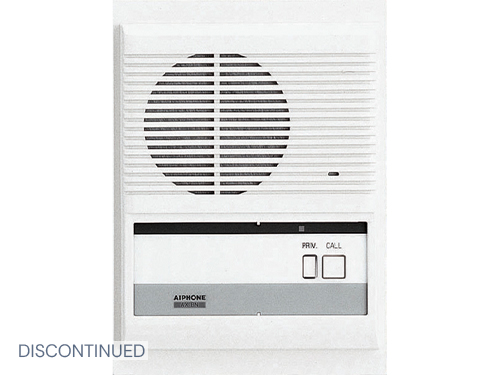
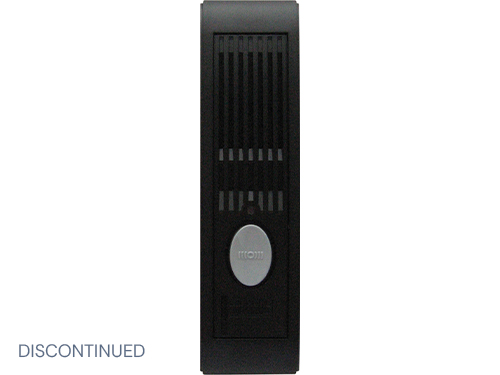
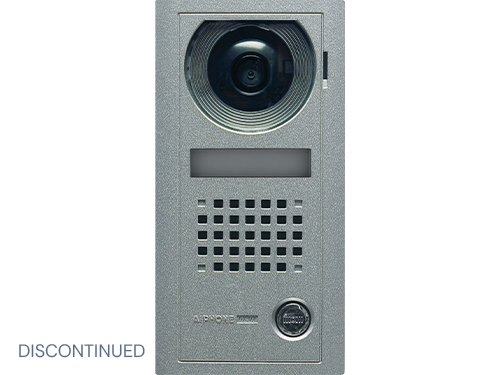
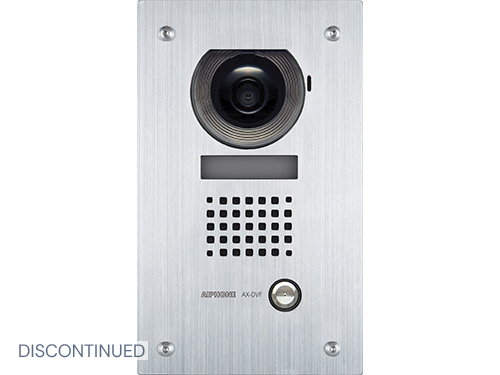
AX Series: Integratable Audio/Video Security System

System Components
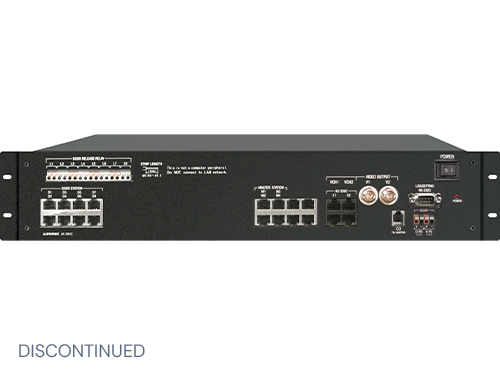
- AX-248C
- AX-084C
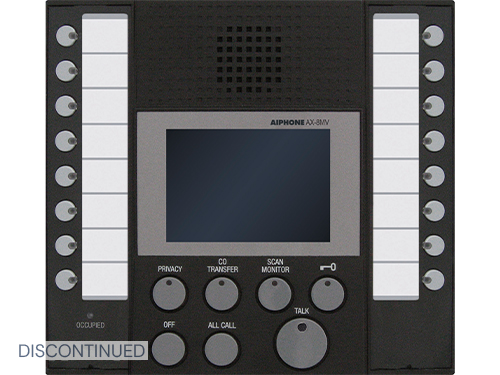
- AX-8MV
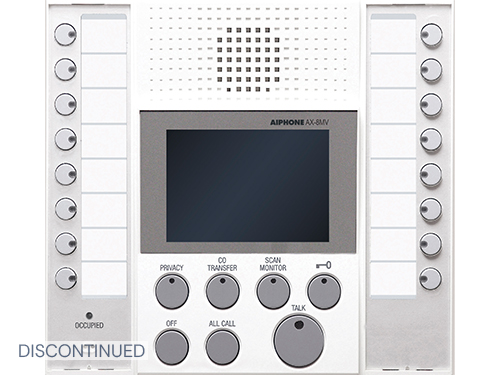
- AX-8MV-W
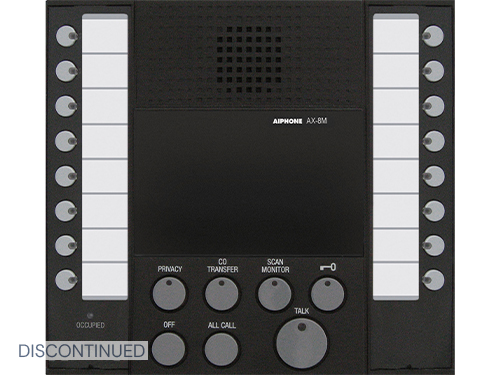
- AX-8M
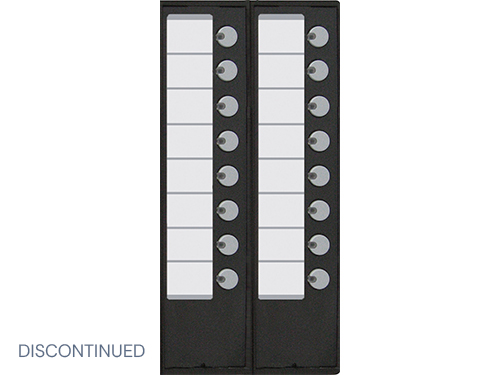
- AX-16SW
- AX-DV
- AX-DV-P
- AX-DV-XP
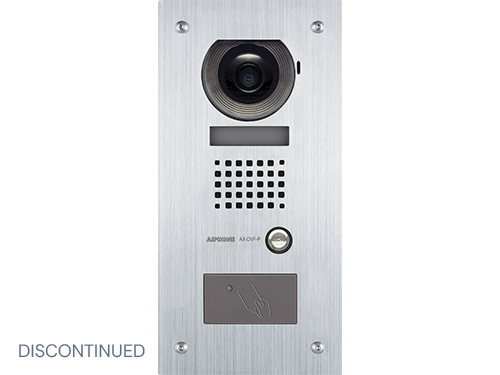
- AX-DVF
- AX-DVF-P
- AX-DVF-XP
- XP-KIT
- AX-SS
- AX-DM
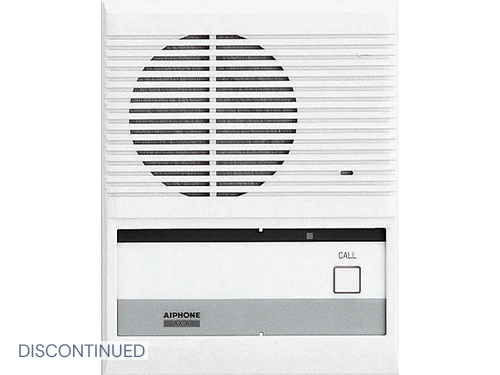
- AX-A
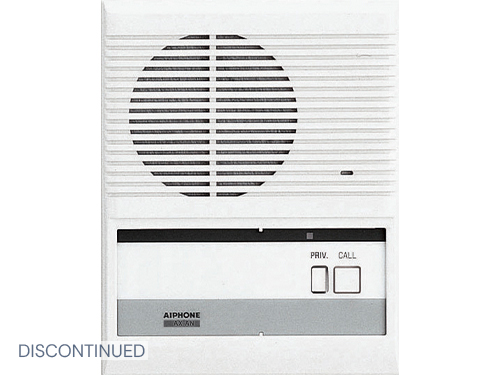
- AX-AN
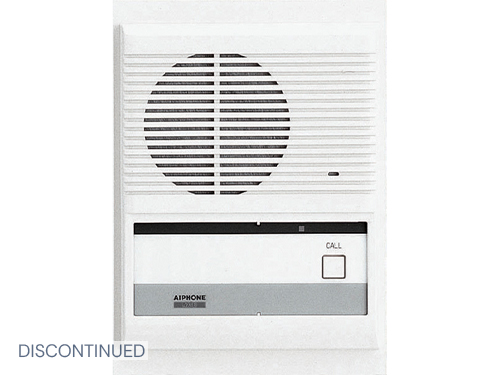
- AX-B
- AX-BN
- AXW-AZ
- HID-SS
- IE-DC
- IE-JA
- IE-SS
- IE-SSR
- IE-SSV
- IF-DA
- PS-2420UL
- EL-12S
- AXW-AVT
- AXW-AVR
- SBX-AXDVF
- SBX-DVF-P
- SBX-AXDV30
- AXW-PA1
- Paging Amplifiers
- MCW-S/A
- RY-24L
Features
- CAT-5e wiring homerun from each station
- Up to 8 masters and 120 remote stations
- Two talk channels
- PTT or VOX operation
- Master-to-master selective calling
- All Call between master stations only
- Masters available with 3.5” color TFT LCD
- Composite video output from CEU and master station
- Standard or priority call levels from door stations
- Communication privacy
- Electronic access control integration*
- CCTV system integration*
- Selective remote control (e.g. door release)
- PC interface for programming and event logging
- Scan monitoring of selected remote stations
- Rack or wall mountable CEU
- Calls queued in order of priority and call-in time
- Compatible with IE Series door stations
- Optional features: headset, footswitch,
- call transfer to telephone* and PC remote control
- *Interface requires custom program (not supplied by Aiphone)
AX CAD drawings available - download here
This product comes with software - download it now
USB Cable Drivers for Windows Vista & Windows 7 - download here
Specifications
| Power Source | 24V DC - Use two PS-2420UL (110V AC) per system |
| Door Station Calling | Tremolo call tone programmable from 10-600 seconds, or infinite. LCD monitor remains on for duration of call tone up to 10 minutes max. |
| Master Station Calling | Select station to call, pretone sounds, then speak hands-free or push-to-talk |
| Video Monitor | 3.5” direct view TFT color LCD |
| Door Release | N/O or N/C, programmable per station 24V AC/DC (500mA max.) |
| Wiring | CAT-5e UTP-4 homerun from each station to CEU |
| Distance | Door station to CEU: 980’ Master station to CEU: 980’ |
| CO Tel Adaptor | Viking Model K-1900-5 Programmable Dialer |
Product Literature
- AX Brochure (5.14 MB)
- AX Cat5 Do's & Don'ts (13.14 KB)
- AX Directory Labeling Template (969.30 KB)
- AX Quikstart Guide (4.47 MB)
- AX Series CSI Specification (94.50 KB)
- AX Viking K-1900-5 Instructions (177.06 KB)
- AXW-AVT IP Only (74.97 KB)
- AX-084C Spec Sheet (107.04 KB)
- AX Install & Operation Manual (9.19 MB)
- AX-248C Spec Sheet (116.78 KB)
- AX-8M Spec Sheet (94.54 KB)
- AX-8MV Spec Sheet (118.24 KB)
- AX Brochure - White (577.62 KB)
- AX-A,AN,B,BN Sub Instructions (272.59 KB)
- AX Audio Door Station Instructions (345.99 KB)
- AX-DV, AX-DVF Spec Sheet (132.73 KB)
- AX-DV(F)-P Instructions (162.71 KB)
- AX-DV-P, AX-DVF-P Spec Sheet (107.95 KB)
- AX-DV(F)-XP Instructions (268.87 KB)
- AX-SS Instructions (228.56 KB)
- AXW-AVT,R Instructions (268.84 KB)
- AXW-AZ Instructions (172.05 KB)
- AXW-PA1 Instructions (62.50 KB)
- EL-12S Instructions (153.14 KB)
- HID-SS Instructions (37.50 KB)
- IE-SS, IE-SSR Instructions (129.73 KB)
- IE-SSV Instructions (322.99 KB)
- MCW-S/A Instructions (138.79 KB)
- Paging Amplifiers Instructions (298.38 KB)
- PS-2420UL Instructions (103.56 KB)
- RY-24L Instructions (145.64 KB)
- SBX-AXDV30 Instructions (97.28 KB)
- SBX-AXDVF Instructions (92.09 KB)
- SBX-DVF-P Instructions (368.81 KB)
- TAR-3 Instructions (177.62 KB)
- XP-KIT Instructions (1.13 MB)
Modification Manual(s) Available
| Modification | Difficulty |
|---|---|
| AX 6 pin option connector (86.69 KB) | Level 1 - Easy |
All modifications are ranked into these five levels of difficulty:
- Level 1 - Easy
- Wire Connection Only
- Level 2 - Easy/Moderate
- Component Connection to External points
- Level 3 - Moderate
- Removal and replacement of internal Components
- Level 4 - Moderate/Hard
- Internal connection or component addition
- Level 5 - Hard
- Circuit Creation and Internal Addition
Please note that modifying a unit will not void it's warranty unless while doing the modification you damage the unit. Aiphone is not liable for any damaged caused during modification. Modifications should only be performed by a person with the skills and knowledge necessary to successfully complete the modification.
Buy Aiphone
Are you interested in purchasing Aiphone in your local area? Click here to find a location near you!
Aiphone Training
Visit aiphonetraining.com to find continuing education programs on-line. You can choose between sales and technical education.
See Aiphone!
To view all of our upcoming shows, visit our Trade Show page.
| Visit us at the |
Quik Links
QuikSpec A System!
Use Aiphone's revolutionary QuikSpec program to create a system online. Answer a few simple questions, click a button and Voila! You will be presented with an equipment list, wiring requirements, and links to literature.
Chat with Us!
Use our new QuikChat feature to chat real time with a member of our technical support or customer service departments (Requires Pop-ups). This service is only available in the United States and Canada.
LIT REQUEST
IMAGE REQUEST
Image Request
Contact Aiphone for print quality images! Click here to request product photos.


.gif)