
Remote Management
Unlock the full potential of your intercom systems and manage them from anywhere.
Get Started
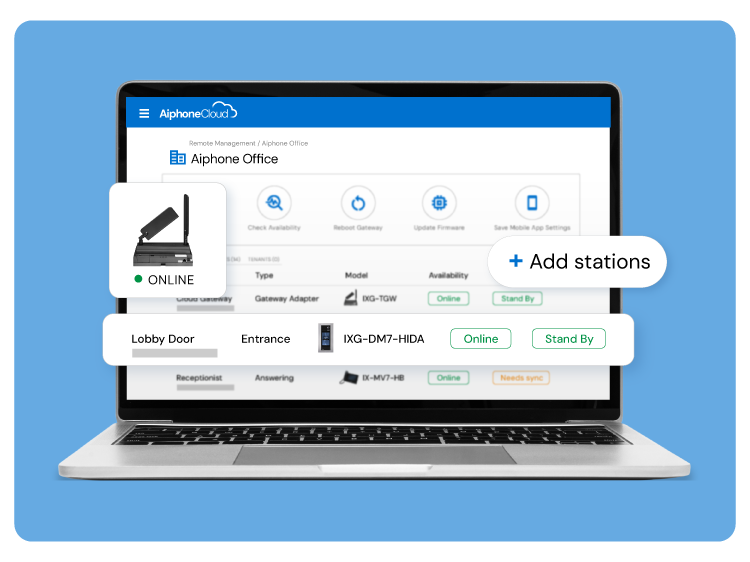
Take Control from Anywhere
AiphoneCloud’s Remote Management gives you the confidence and control to deliver smarter, faster results.

Reduce site visits

Save time on setup

Stay responsive

Customize with ease
Configure Advanced Features in Minutes
Program the most popular and beloved features of the IX | IXG Series on AiphoneCloud. Faster, simpler, and from anywhere.
Explore the IX | IXG Series
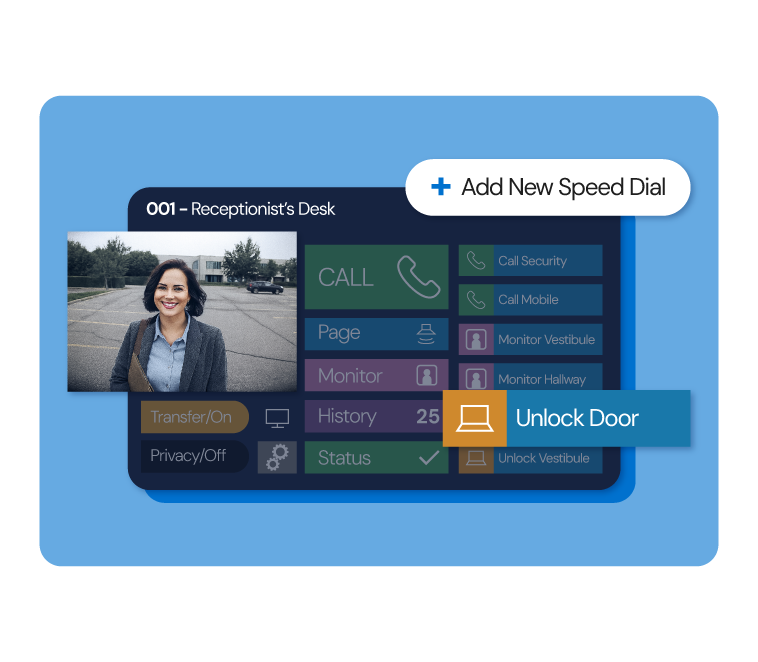
Create shortcuts for your security needs. Personalize speed dial buttons for calling doors, unlocking entrances, and monitoring stations across your property.
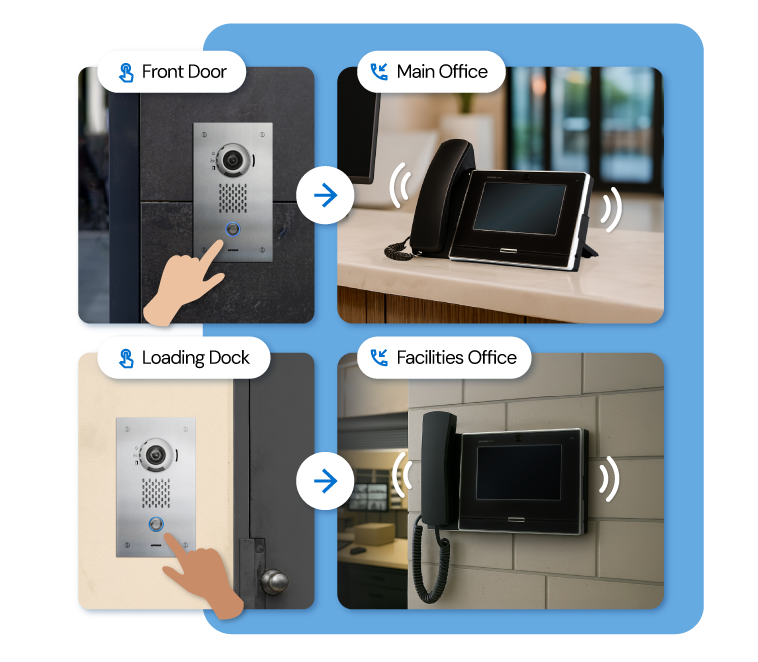
Send calls to the right people with the right priority. Route visitor calls to a combination of answering stations, mobile apps, and VoIP extensions based on urgency.
View setup guide
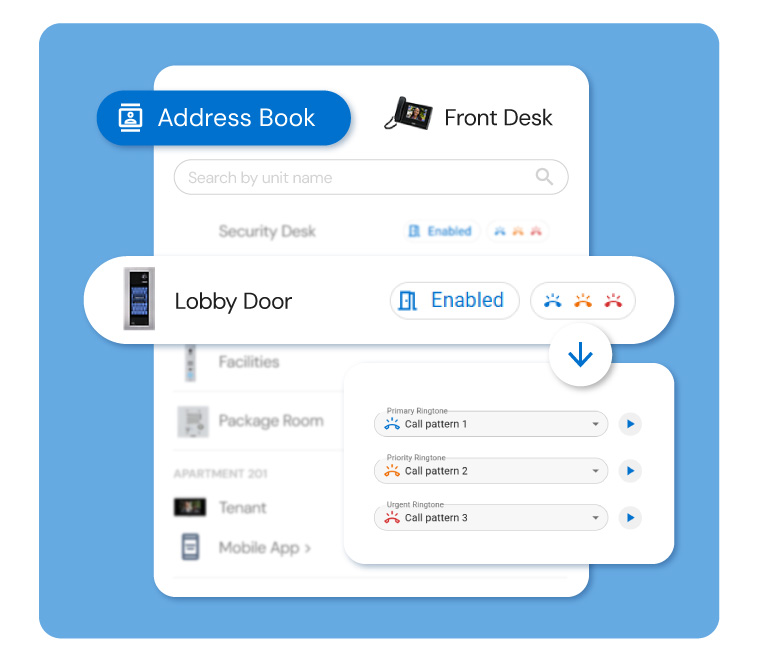
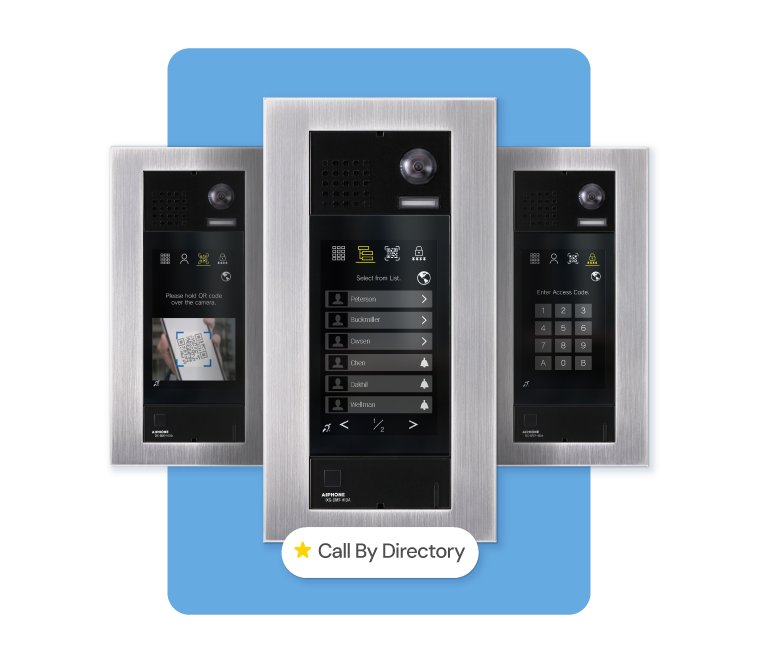
Build custom directories for each answering station and the IX-DM7-HIDA entrance station. Control which doors and stations they can call, unlock, and monitor.
View setup guide
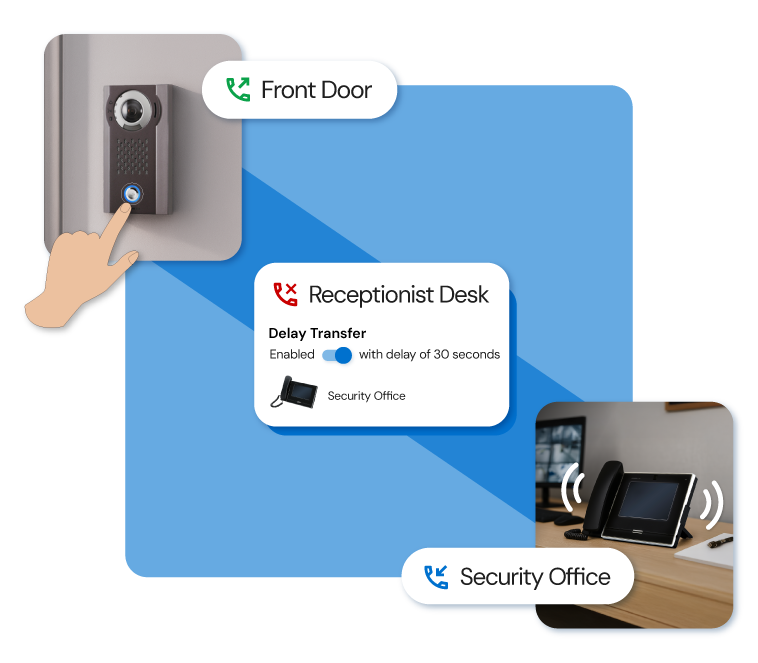
Flexible call coverage that sets IX | IXG Series apart. Forward calls automatically to backup destinations when primary stations are unavailable or if no one picks up.
View setup guide
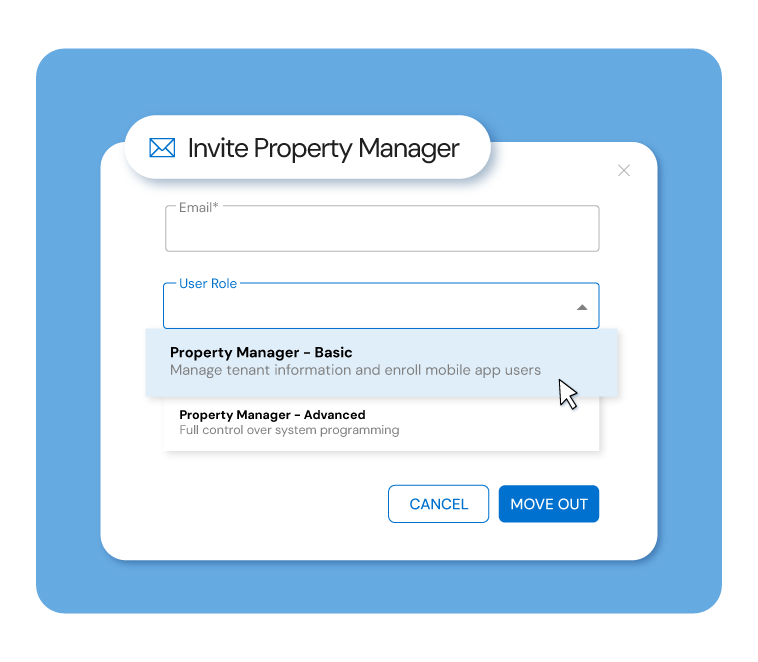
Invite property managers to AiphoneCloud and give them access to handle move-ins, move-outs, and mobile app enrollment with ease.
View setup guide
Choose from up to five different available entrance displays, making access intuitive for residents and guests alike.
View setup guide
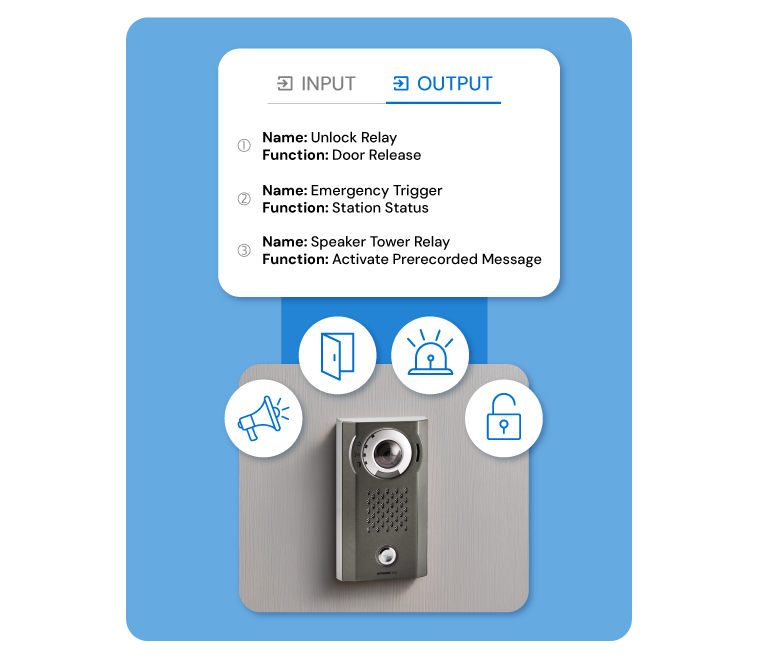
Program call inputs and door release outputs for each station through a simple, intuitive interface. Set precise unlock durations and indicate station status.
View setup guide
Integrations
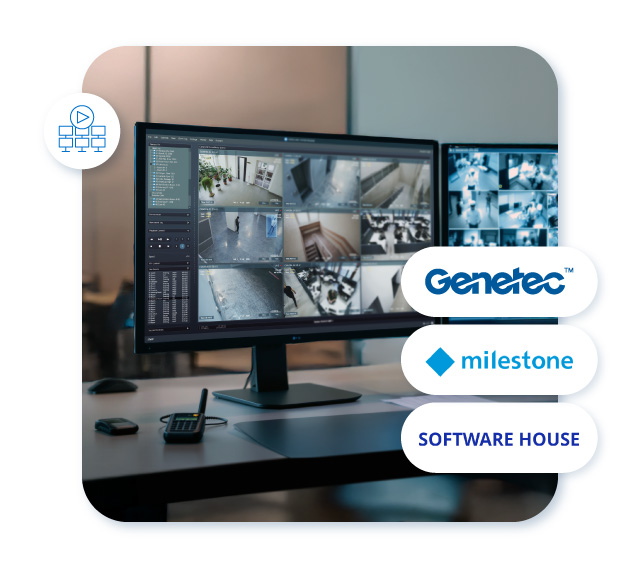
Video & Security Management
- Stream any IX | IXG Series video intercom camera to Video and Security Management platforms for 24/7 recording.
- ONVIF events designate when a call was placed, or a door was unlocked to aid investigations.
- Program VMS integration remotely through AiphoneCloud’s intuitive interface, making setup faster and reducing the learning curve for your team.
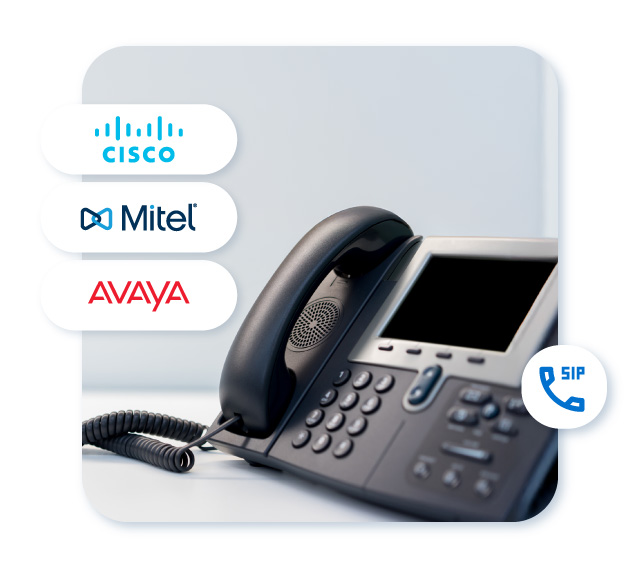
SIP / VoIP
- Configure SIP integration through AiphoneCloud’s Remote Management, making it easy to call VoIP extensions.
- Offer customers a comprehensive solution that connects intercoms to their current phone systems.
- Receive audio and video calls to VoIP phones and unlock doors remotely.
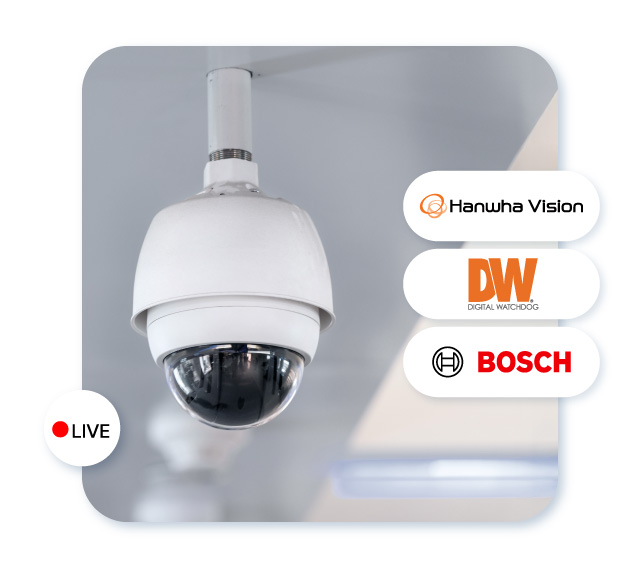
IP Camera
- View up to 500 ONVIF cameras on answering stations for comprehensive property monitoring.
- Program a specific camera view to display when a call is received from a door station.
- Leverage the IX-MV7’s picture-in-picture feature for a more comprehensive security solution.
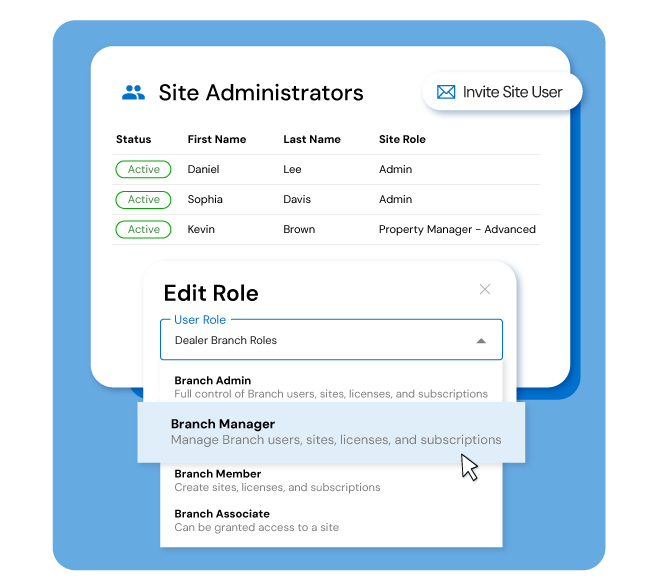
Roles and permissions
Control who can access and modify systems with multiple role-based permissions. Assign appropriate access levels to team members for secure, organized system management.
Learn more
Handle any project with confidence
AiphoneCloud’s Remote Management expands your capabilities to take on more projects of every type.
Deploy commercial systems quickly with bulk configuration and guided wizards.
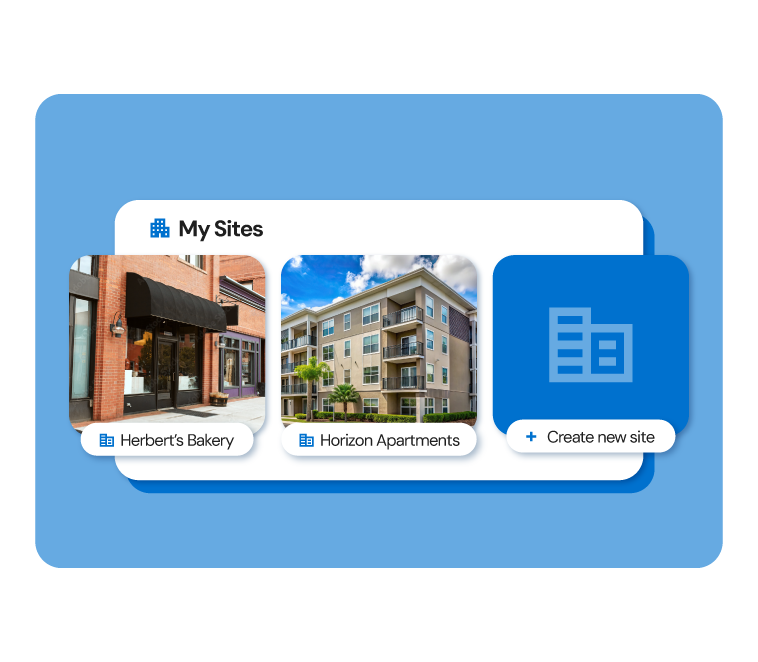
Select multi-tenant projects for open-ended system design for any size apartment or mixed-use project.
View our guide
Hand off tenant management with ease
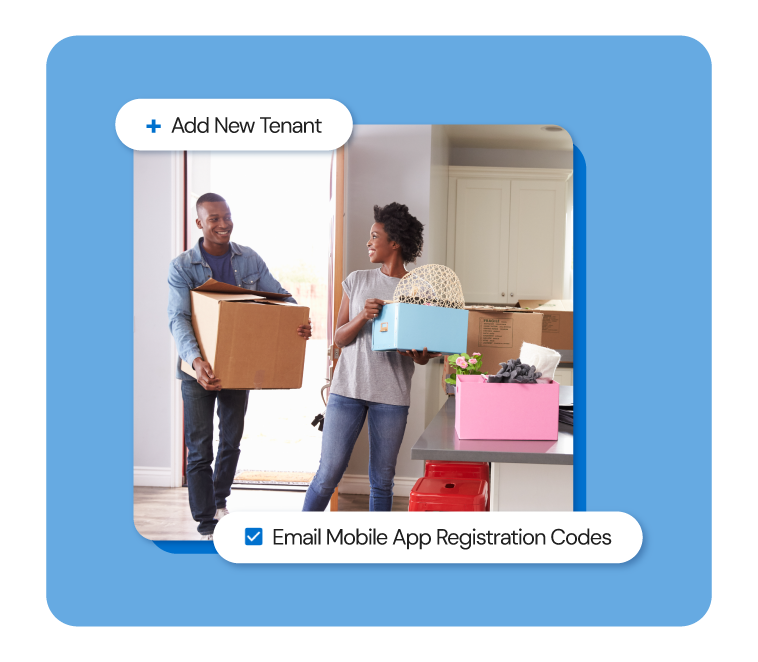
Give property managers direct access to manage their own tenants.
With AiphoneCloud, adding new tenants is fast and straightforward. Enter basic details and send a mobile app registration code right away. When it’s time for a tenant to move out, all access can be removed with a single click.
Learn more about inviting property managers to the site
FAQs
We’re always working on making AiphoneCloud Remote Management better. Here are some frequently asked questions to help you get started.
A: AiphoneCloud is a cloud platform built around Remote Management, allowing you to manage Aiphone intercom systems from anywhere. You can also design systems, activate licenses, and renew subscriptions on AiphoneCloud. It’s a new way of working with Aiphone that saves you time, money, and delivers more value to your customers.
A: Getting started is simple. Create an account on AiphoneCloud and follow the prompts to request Branch membership. For hands-on support, contact our Technical Support Team and a customer success member will assist you. You can also visit our Find a Local Expert page to connect with a local Aiphone expert for personalized assistance.
A: The IX | IXG Series IP video intercoms. This robust intercom solution is designed for commercial properties, multi-tenant buildings, and emergency communication applications. With Remote Management, you gain cloud-based access to program and update your intercom systems from any location.
A: AiphoneCloud Remote Management is a cloud-based alternative to IXG SupportTool. We encourage using AiphoneCloud as your primary programming method for the IX | IXG Series. With AiphoneCloud, you can manage systems remotely from any location with real-time system monitoring, system health checks, and automatic firmware updates.
Most features available in SupportTool are available to program in AiphoneCloud. Contact your local expert.
A: Yes. You can invite one primary property management user per site using their email address. You can adjust their permissions to control what they can see or do. As the Property Management Branch admin, they can then add additional users to the site as needed.
A: After they accept the invitation, they’ll be guided through setting up their company, branch, and creating a new IXG portal account. Once setup is complete, they can update tenant information, manage move-ins and move-outs, and enroll mobile app users.
A: Yes. Existing IX | IXG sites can add a cloud gateway to start bringing your system to the cloud. An Aiphone expert is more than happy to help you with this process. Contact us to learn more.
A: Absolutely. We take cybersecurity very seriously. Aiphone partners with AWS to provide the highest level of security and availability.
Transform Your Security Today
Connect with our local experts for product questions, demos, and assistance in designing your ideal security solution.
Contact Us