
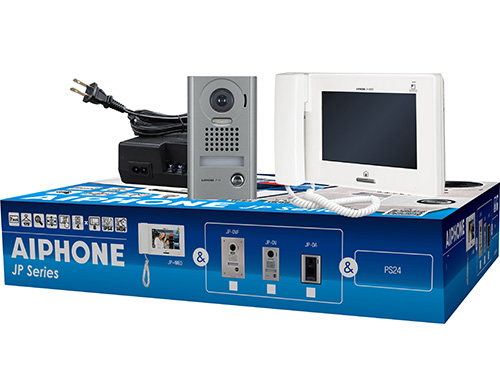
JP Series Video Intercom
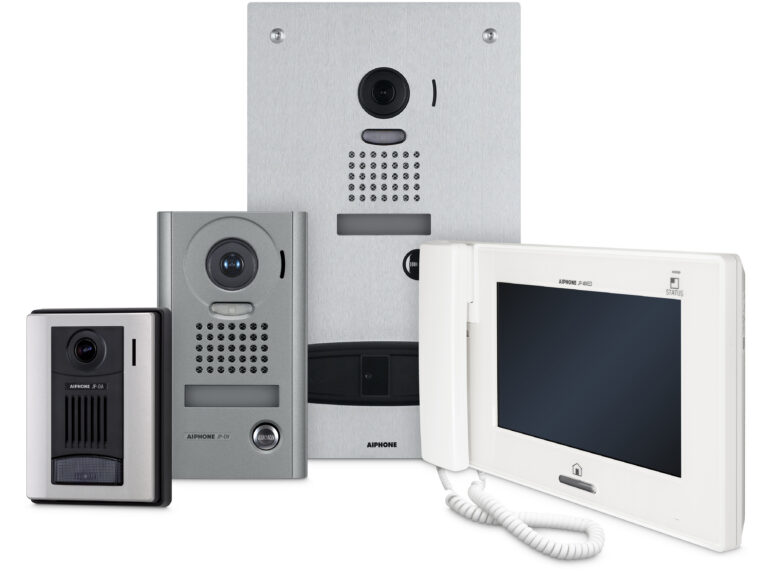
A reliable video intercom with smart access control for residential and commercial use.
4
8
1,000
Reliable entry security for larger homes and businesses.
Durable design
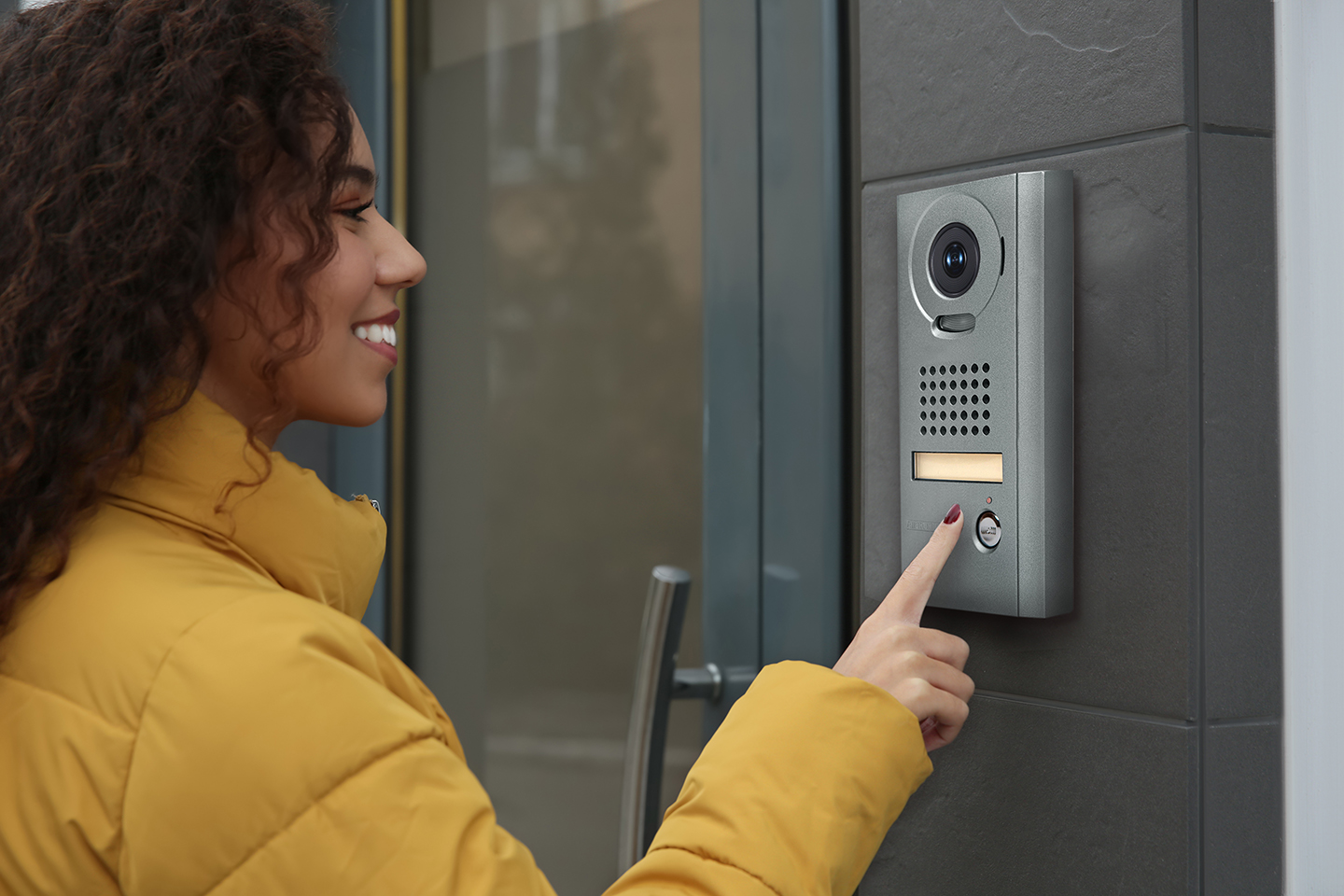
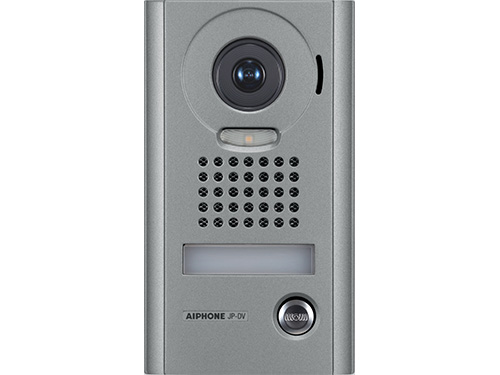
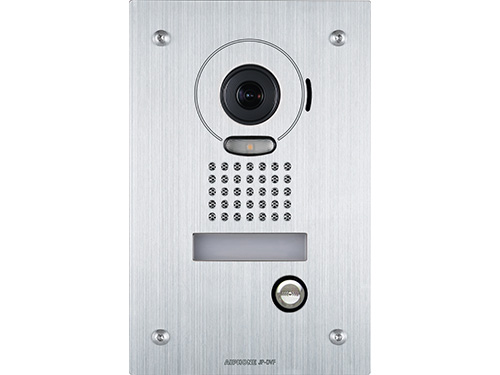
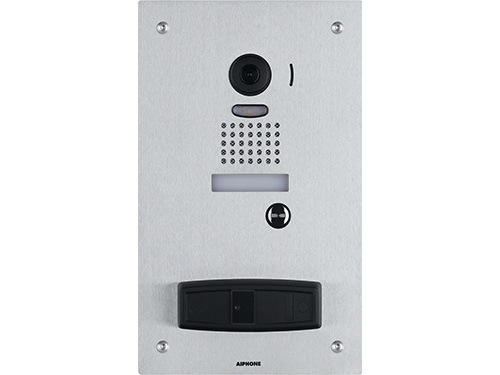
- Choose from a variety of weather-resistant door stations designed to withstand harsh conditions like rain, snow and extreme temperatures.
- Our vandal-resistant door stations offer robust protection against tampering and physical damage.
- Flexible mounting options to match any building design.
- Combines a modern design with industry-leading functions, delivering both style and exceptional performance.
Enhance visual security
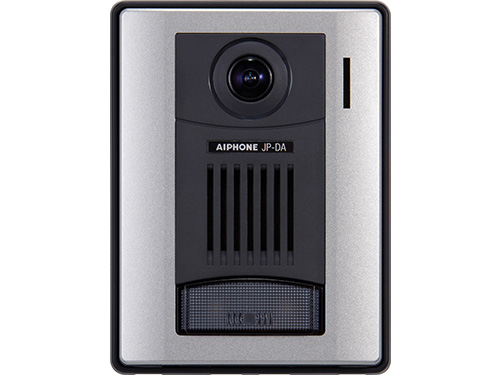
Door stations
- Wide angled camera with advanced light adjustments.
- Pan-Tilt and Zoom camera control to adjust the view and zoom in when needed.
Answering stations
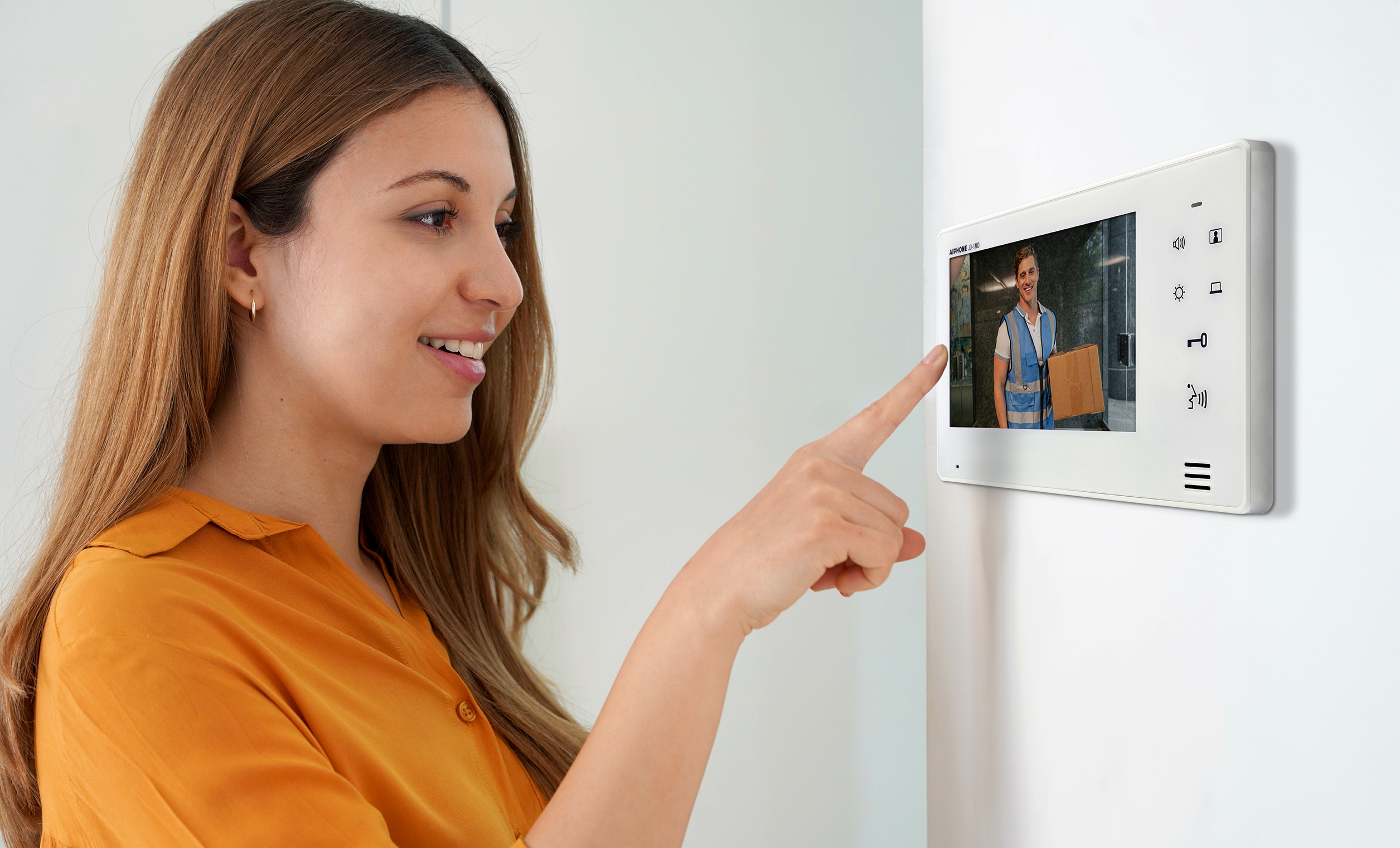
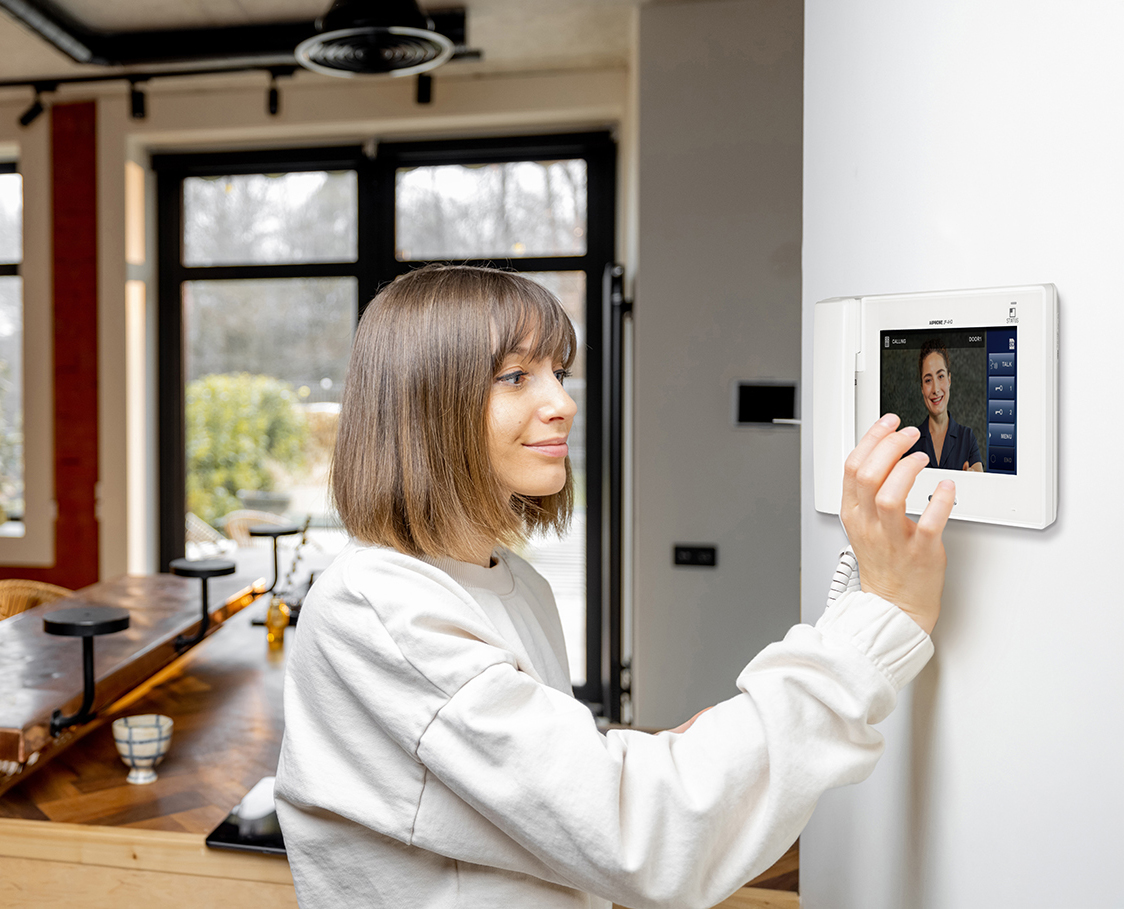
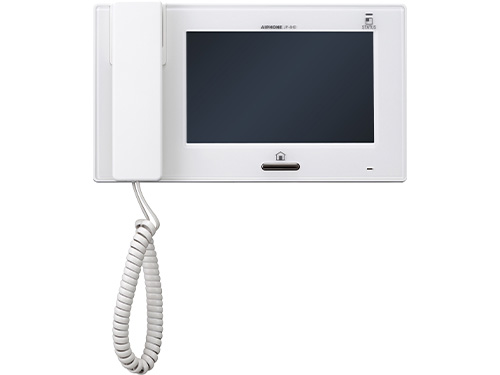
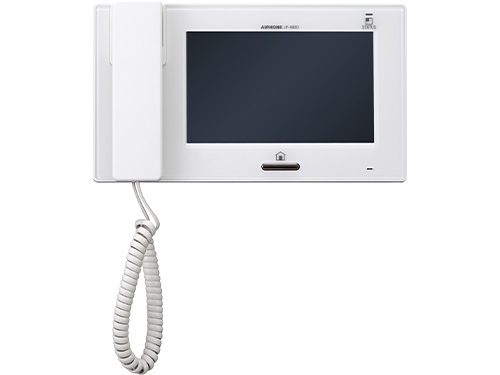
- Large 7-inch touchscreen for real-time video monitoring.
- Auto image capture and save up to 20 calls with built-in memory. Store up to 1,000 calls with a microSD card.

Effortless calling
- Page all stations at once to make an announcement or call a single station to reach a specific area.
- Built-in audio indicators and T-Coil compatibility ensure accessibility for all users.
- Answer hands-free for convenience or use the included handset for private conversations.
Smarter access control with flexible call partitioning
Assign call responsibilities to specific stations for better access control while leveraging real-time monitoring and two-way audio for secure entry management.
View JP-4MED answering station
Consistent connectivity in every room
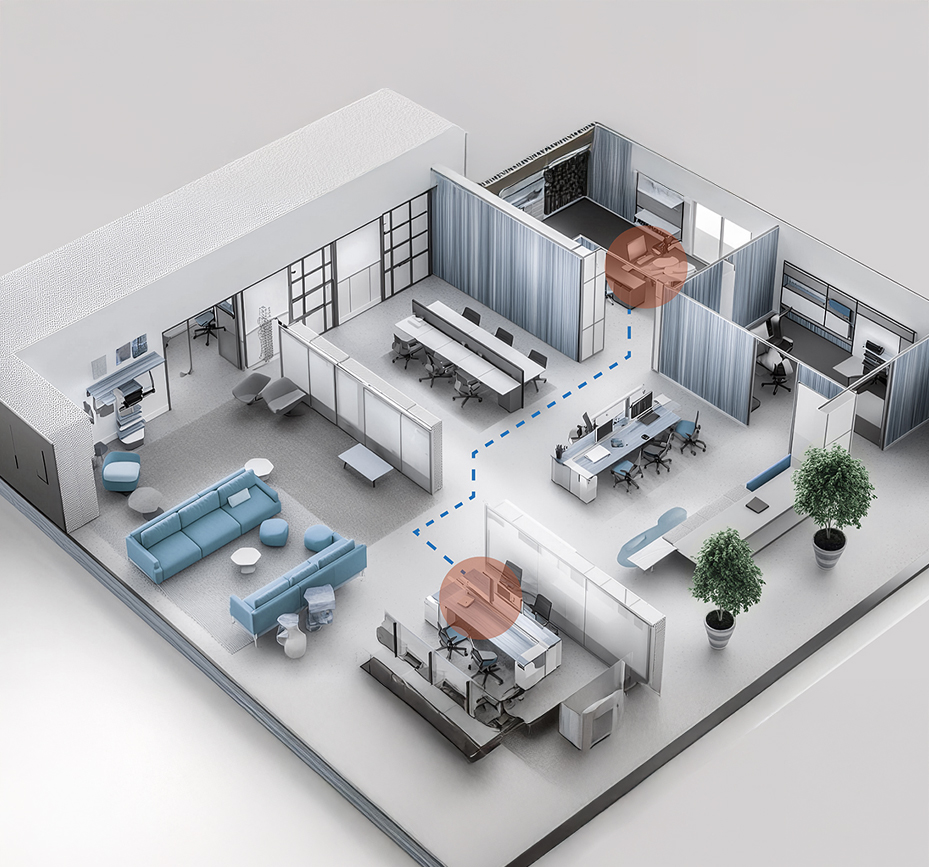
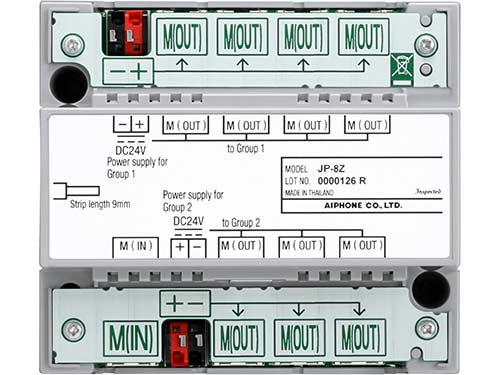
The system supports both station-to-station and centralized wiring, providing flexible installation options for projects of any scale, from large enterprises to smaller sites.
View JP-4HD sub station
Strengthen your security with the AC Nio Access Control
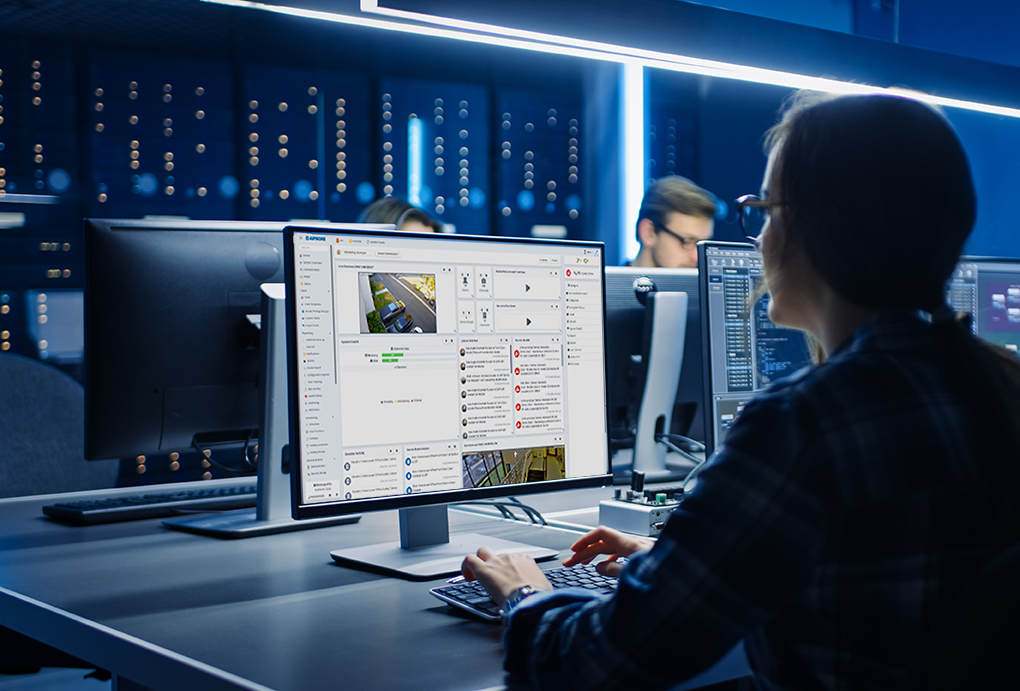
Enhance accountability by pairing with Aiphone’s access control solution. Choose from local or cloud hosting options to meet your needs.
View AC Series
Transform Your Security Today
Connect with our local experts for product questions, demos, and assistance in designing your ideal security solution.
Contact Us
Technical Support
Our Technical Support Team always goes the extra mile to make sure you get the answers and assistance you need.
Technical Knowledge Base
Access product documentation and technical specs to support your installations and system designs.
Learn more
Contacts
Fina a local expert: Area Sales Rep Map
Technical support: Technical Support
Customer service: Customer Service